Construction2 options compared

Framing Calculator

Calculates the number of studs needed for a wall section based on its length and spacing requirements, facilitating quick and accurate construction planning. Helps users in home construction and renovation by providing precise measurements to ensure walls are framed correctly, saving time and potentially avoiding costly mistakes.

Editors’ Top PickBased on community votes
Other OptionsRanked by votes
  1. Screenshot of GQ Calc
    02
    GQ Calc
    gqcalc.com

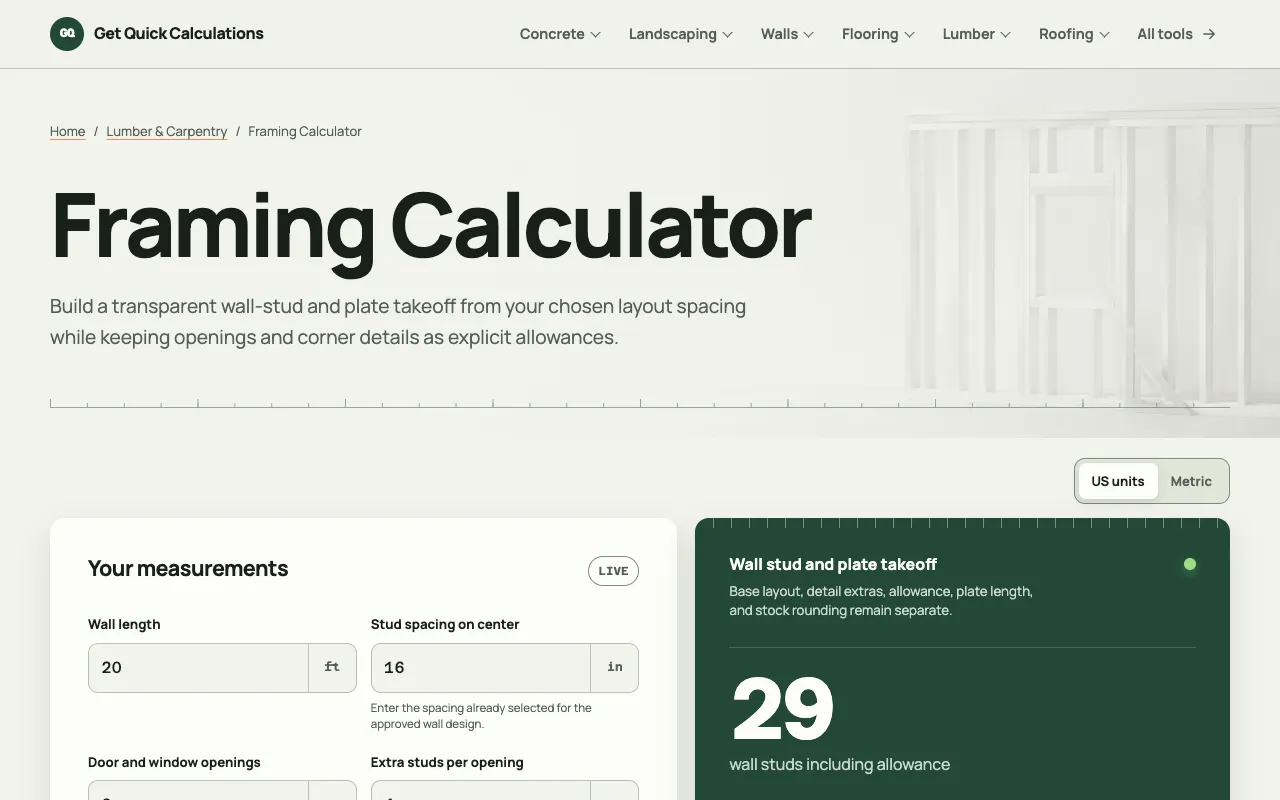
    Use this wall framing calculator to estimate studs and plate stock from wall length, chosen stud spacing, openings, d...

Side by side

Framing Calculator options compared

ToolBest forStrengthsLimitations
Omni Calculator
omnicalculator.com
Quick stud count and cost
  • Only two inputs needed
  • Includes price per stud and total cost
  • Handles unit conversion automatically
  • Fewer detail options for corners and openings
GQ Calc
gqcalc.com
Detailed takeoffs with openings
  • Accounts for doors, windows, and corner extras
  • Shows plate rows and minimum stock pieces
  • Transparent method with editable layout
  • Many input fields slow down simple jobs
  • No price per stud or total cost in excerpt

Buyer's guide

How to choose a framing calculator

If you need the number of studs and a quick cost estimate for a straightforward wall, two inputs are enough and Omni Calculator will give them fast. If your wall has multiple openings, corner conditions, or you need to specify exact plate lengths and waste allowances, GQ Calc's extra fields let you model those details without guessing.

Questions

Framing Calculator FAQ

How do I account for doors and windows in a framing calculator?
GQ Calc lets you enter door and window openings with extra studs per opening, while Omni Calculator does not include opening adjustments in its basic mode.
What is on-center spacing and why does it matter?
On-center spacing measures the distance between the centers of adjacent studs; standard residential spacing is 16, 19.2, or 24 inches, and it directly affects how many studs you need for a given wall length.
Can these calculators tell me the total cost of lumber?
Omni Calculator includes price per stud and an estimated total cost with waste, but GQ Calc focuses on quantities and does not show price data in its excerpt.
Do I need to convert units before using these tools?
Omni Calculator handles unit conversion automatically, so you can enter feet or inches without converting first. GQ Calc appears to use separate unit fields for length and spacing.
What if my wall has corners or special framing details?
GQ Calc offers corner/end extras and stud allowance percentages to model those conditions, while Omni Calculator's basic mode assumes a straightforward wall layout without extra corner studs.
Keep Exploring

Related tools in Construction

View all →