Flooring Calculator
Use this flooring calculator to total up to three rooms, subtract exclusions, add cutting waste, and estimate whole b...
What Flooring Calculator does
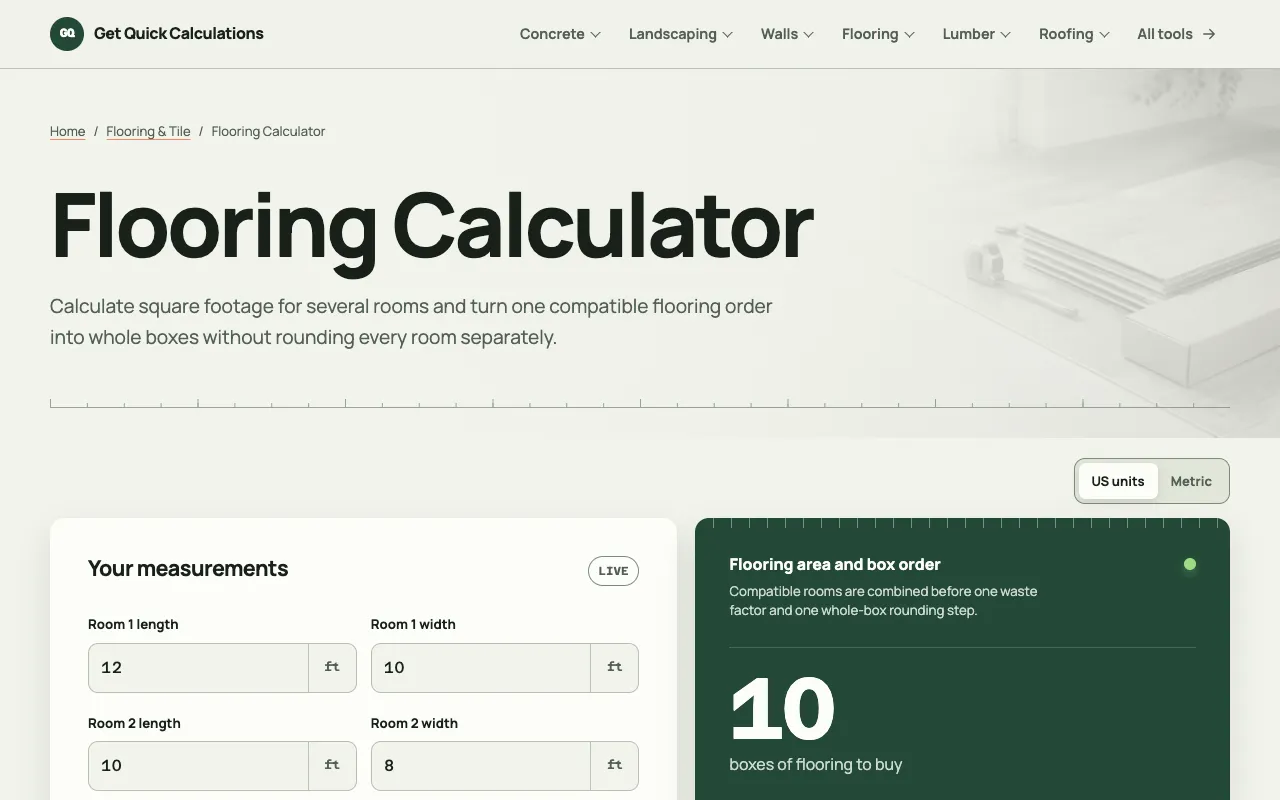
A flooring calculator that handles up to three rooms in a single interface. Users enter room dimensions in feet or meters, subtract permanent exclusions, and apply a cutting allowance to estimate the number of whole boxes and total cost. The tool outputs the gross room area, net flooring area, area with allowance, and a breakdown of the final box count with remaining coverage. It is designed to replace manual measuring and math with a transparent, editable method that reflects the product’s actual carton coverage. The site supports both US and metric units and lets users adjust the waste percentage and product-specific coverage values. Unlike generic calculators, this version keeps the calculation steps visible and lets users combine rooms only when they share the same flooring product and lot, ensuring accurate whole-box rounding based on the selected SKU’s coverage. The default 10% cutting allowance can be edited, and the tool warns against combining rooms with different products or lots, a detail often missed in simpler estimators.
How to use the GQ Calc Flooring Calculator
- 1
Measure the length and width of each room in feet or meters
- 2
Enter the dimensions into the Room 1, Room 2, and Room 3 fields, leaving unused rooms set to zero
- 3
Input the square-foot coverage from the product carton and adjust the cutting allowance percentage if needed
- 4
Review the calculated gross area, net area, and whole-box count, then copy or print the result for your purchase order
Best for
DIY home improvers and renovation enthusiasts who need a quick, accurate estimate of flooring material quantity and cost for one to three rooms, especially when working with a specific product SKU and carton coverage.
Limitations
- Results depend on the accuracy of the entered room dimensions and product carton coverage
- Cutting allowance is applied as a single percentage to the combined net area, which may not match every layout scenario
- Rooms are combined only when they use the same flooring product and lot; different products require separate calculations
Flooring Calculator FAQ
- Can I calculate flooring for more than three rooms?
- The calculator is limited to three room entries. For larger projects, users should run separate calculations for each set of rooms or combine only compatible rooms that share the same flooring product and lot.
- What does the cutting allowance percentage do?
- It adds extra material to account for waste from cutting and fitting. The default is 10%, but you can increase or decrease it based on your layout complexity and installer experience.
- How does the tool handle whole-box rounding?
- After dividing the total area with allowance by the carton’s square-foot coverage, the result is rounded up to the next whole box, ensuring you order enough material even if the final box is partially unused.
- Can I use metric units with this calculator?
- Yes, the tool supports both US units (feet and inches) and metric units, allowing you to input dimensions in meters or feet and switch units as needed.
More Flooring Calculator tools
Similar tools
Based on shared tags