Speech Time Calculator
A free speech timer that helps speakers refine their delivery by comparing scripts against target duration. The tool ...
What Speech Time Calculator does
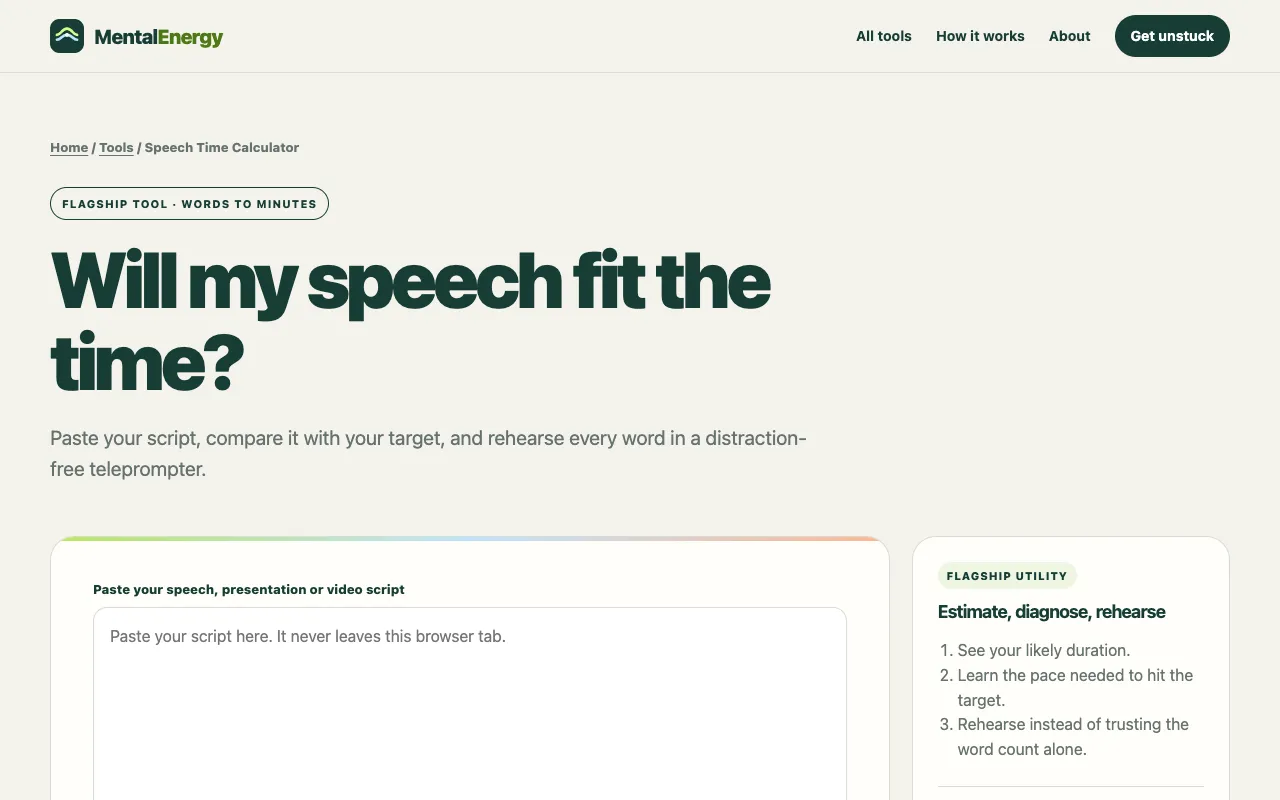
The Speech Time Calculator helps speakers refine their delivery by comparing a pasted script against a target duration. Users receive an estimated delivery time, a required pace, and a comparison grade (A− to A+) that shows how closely their current speed matches their goal. The tool also includes a distraction-free teleprompter for rehearsing the script at the calculated pace, allowing speakers to see whether the delivery feels natural before stepping on stage.
How to use the MentalEnergy Speech Time Calculator
- 1
Paste your speech, presentation, or video script into the input field
- 2
Set your target time in minutes and choose a delivery style (Thoughtful, Natural, or Brisk)
- 3
Review the estimated delivery time, required pace, and comparison grade displayed
- 4
Use the teleprompter to rehearse the script at the selected pace, advancing word by word with pause and resume controls
Best for
Presenters, pitch-developers, and public speakers who need to fit a specific time slot while maintaining a natural delivery pace.
Limitations
- Estimated pace may not account for audience reactions, slide changes, or on-stage demonstrations
- No unit switching between words and characters; calculations rely on word count only
- Rehearsal teleprompter is designed for practice and does not export or save scripts
Speech Time Calculator FAQ
- Can the calculator adjust for different speaking styles?
- Yes. The tool offers three delivery styles—Thoughtful, Natural, and Brisk—each mapped to a default words-per-minute rate. Users can also fine-tune the pace using a slider, allowing them to see how changes affect the estimated delivery time.
- What if my script is longer than the target time?
- The calculator will show a required pace that exceeds the recommended speaking rates. The comparison grade will indicate how far off the current speed is from the target, and the tool suggests trimming repetition, secondary examples, or throat-clearing introductions to bring the speech within the time limit.
- Does the teleprompter save my script after I finish rehearsing?
- No. The teleprompter is a private, real-time practice tool. Scripts are not stored, uploaded, or retained after the session ends, ensuring complete privacy without requiring a signup.
- How accurate is the estimated delivery time?
- The estimate divides the word count by the selected words per minute and multiplies by 60. The notes acknowledge that live factors such as pauses, audience reactions, and slide changes add time, so a full rehearsal is more reliable than the calculation alone.