Classical Mechanics5 options compared

Pressure Calculator

Determining the physical stress applied to a surface is a fundamental task in classical mechanics, made easier through this specialized calculation utility. It utilizes the core relationship between force and area to provide accurate pressure readings, helping users understand how weight or impact is distributed across a specific plane. The interface simplifies the process of applying the P = F/A...

Editors’ Top PickBased on community votes
Other OptionsRanked by votes
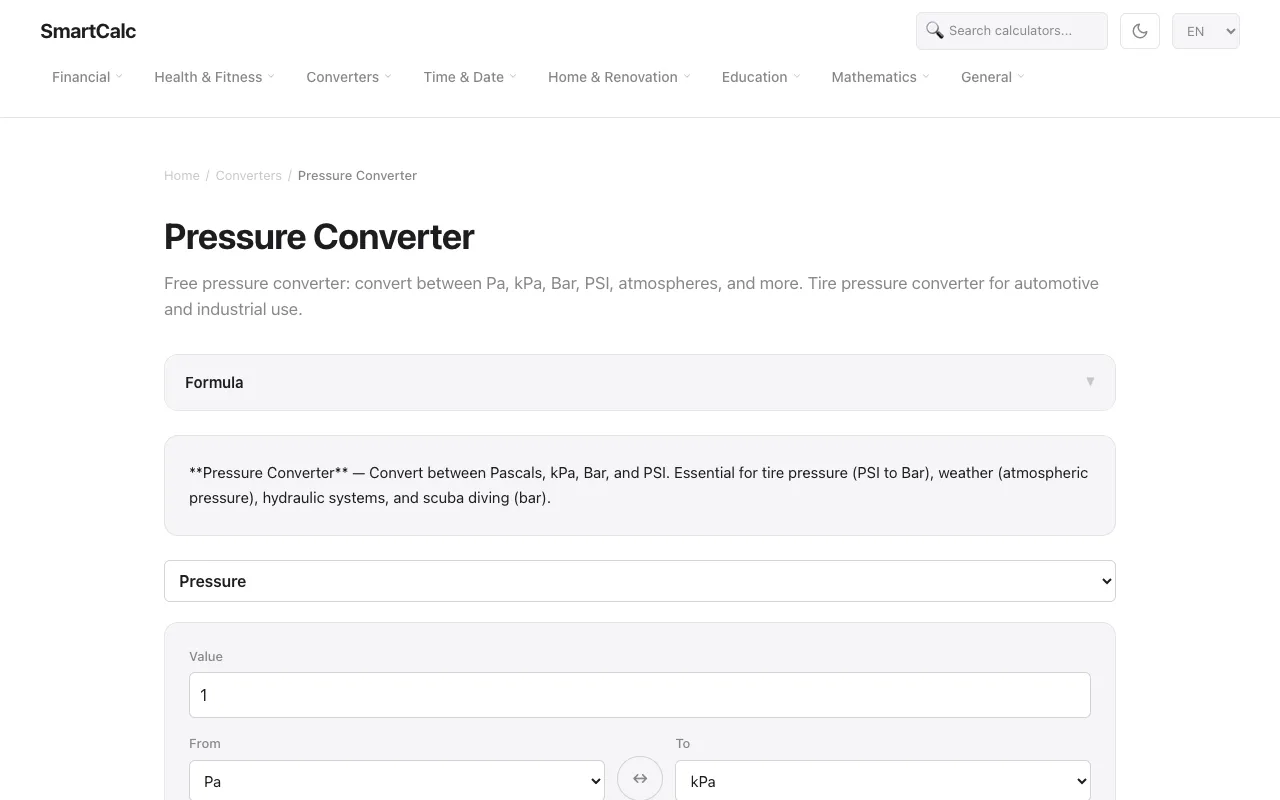
  1. Screenshot of SmartCalc
    05
    SmartCalc
    smartcalc.top

    Free pressure converter: convert between Pa, kPa, Bar, PSI, atmospheres, and more. Tire pressure converter for automo...

Side by side

Pressure Calculator options compared

ToolBest forStrengthsLimitations
CodeBeautify
codebeautify.org
Engineers needing many pressure units
  • Extensive unit list including uncommon measures
  • Supports precise dimensional analysis
  • Page contains many other converters which may distract
  • No built-in pressure formula explanation
Omni Calculator
omnicalculator.com
Quick standard pressure conversions
  • Clear numerical output
  • Links to related force converter for related tasks
  • Fewer unit options compared to CodeBeautify
  • General conversion focus rather than pressure-specific depth
Omni Calculator
omnicalculator.com
Students learning P = F/A formula
  • Directly calculates pressure from force and area
  • Explains pressure concept with types (aerostatic, etc.)
  • Output only in Pascals
  • Requires manual input of force and area values
Metric Conversions
metric-conversions.org
Students verifying physics calculations
  • Accepts common units (Pa, bar, PSI, mmHg)
  • Standardized conversion format
  • No community votes recorded
  • Basic interface without formula guidance
SmartCalc
smartcalc.top
Tire pressure and quick automotive conversions
  • Tire-pressure focused examples
  • Simple Pa/kPa/Bar/PSI quick-reference chart
  • Limited to major units only
  • No area or force input capability

Buyer's guide

How to choose a pressure calculator

When picking a pressure tool, first decide whether you need to convert between units or calculate pressure from force and area. If you already have numbers and just need a unit change, choose a converter with your required units listed; if you need to compute pressure from scratch, use a calculator that asks for force and area. Among these options, unit breadth varies widely—CodeBeautify covers the most niche units, while SmartCalc limits itself to the most common ones. For learning the physics relationship, the Omni Calculator pressure tool explains the formula and pressure types better than a plain converter.

Questions

Pressure Calculator FAQ

How do I convert PSI to Pascals?
Multiply the PSI value by 6894.76 to get Pascals. Several tools like CodeBeautify and SmartCalc include this conversion built in.
Can I calculate pressure if I only know force and area?
Yes. Use the formula P = F ÷ A. Enter the force in Newtons and the area in square meters; the result will be in Pascals. The Omni Calculator physics tool supports this.
What units of pressure are most commonly used?
The most common are Pascals (SI), bar, pounds per square inch (PSI), atmospheres, and millimeters of mercury (mmHg). CodeBeautify and Metric Conversions cover all of these.
Is there a pressure converter that also explains the formula?
The Omni Calculator pressure page includes a written explanation of pressure and lists common types, but does not solve for force or area—only pressure from given values.
Which tool should I use for tire pressure conversions?
SmartCalc is designed for tire pressure and offers quick PSI-to-Bar references. CodeBeautify also supports these units but has a broader, more general unit list.
Keep Exploring

Related tools in Classical Mechanics

View all →