SWOT Analysis Maker
Build a Strengths, Weaknesses, Opportunities and Threats grid in the browser, then print it or save it to a canvas. F...
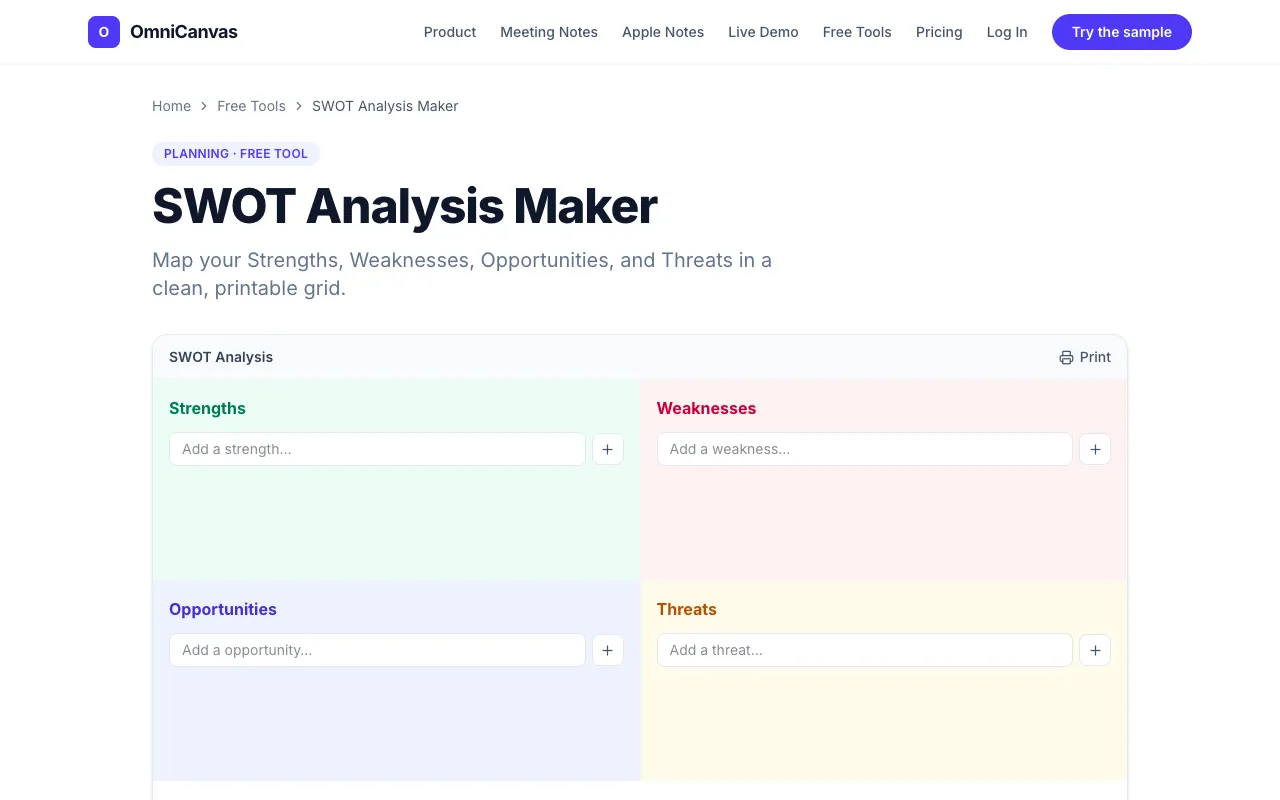
What SWOT Analysis Maker does
A SWOT Analysis Maker that provides a four-quadrant template for listing internal Strengths and Weaknesses alongside external Opportunities and Threats. Users fill in each box, and the analysis saves automatically in the browser for printing or further work on an OmniCanvas. The tool requires no signup or account, making it immediately accessible for strategy sessions, product planning, or personal career decisions.
How to use the OmniCanvas SWOT Analysis Maker
- 1
Open the SWOT Analysis Maker on OmniCanvas and locate the four-quadrant template.
- 2
Enter internal Strengths in the top-left box, internal Weaknesses in the top-right box.
- 3
Add external Opportunities in the bottom-left box and external Threats in the bottom-right box.
- 4
Review the filled grid; the analysis saves automatically in your browser.
- 5
Print the completed SWOT analysis or continue working on the linked OmniCanvas.
Best for
Ideal for entrepreneurs, project managers, and students who need a quick, account-free SWOT grid to orient strategy, pressure-test plans, or track personal goals without saving data externally.
Limitations
- No built-in unit switching or data export formats beyond printing.
- Results depend on the user's own input; no automated analysis or suggestions provided.
- Advanced canvas linking features require a free sign-up, though the SWOT tool itself remains account-free.
SWOT Analysis Maker FAQ
- What does SWOT stand for and how are the quadrants categorized?
- SWOT stands for Strengths, Weaknesses, Opportunities, and Threats. Strengths and Weaknesses are internal factors you control, while Opportunities and Threats are external factors you cannot control but can respond to.
- Can I print or save my SWOT analysis from the maker?
- Yes. The analysis saves automatically in your browser and you can print it directly from the tool without needing an account.
- Is an account required to use the SWOT Analysis Maker?
- No. The tool is free and account-free; you can start building your grid immediately and save it locally in your browser.
- What kinds of projects or decisions is a SWOT analysis useful for?
- SWOT works for businesses, products, projects, teams, or personal career decisions. It is useful at the start of planning, before big decisions, or periodically to check if your situation has shifted.