SOAP Note Generator
Sort rough consultation notes into Subjective, Objective, Assessment and Plan. Runs entirely in the browser, so clini...
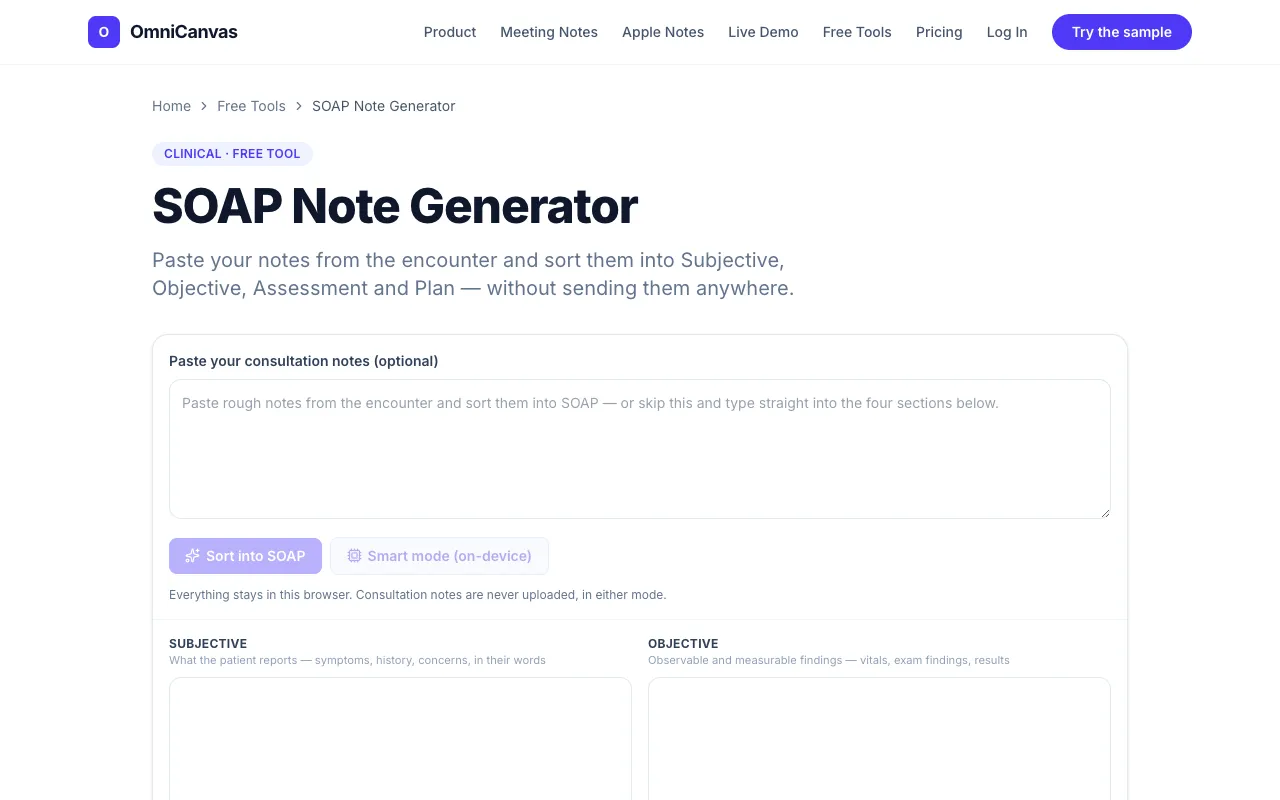
What SOAP Note Generator does
The SOAP Note Generator takes rough consultation notes you have already written and automatically sorts them into the four standard sections: Subjective, Objective, Assessment, and Plan. This lets you edit the organized output rather than retyping everything from scratch. The tool runs entirely within your browser, so any notes you paste are never transmitted to or stored on OmniCanvas servers, keeping sensitive clinical text on your own device. You can also choose to type directly into the four structured sections, as the autosave and export features work the same way regardless of how you start. The site emphasizes that because your input never leaves your device, the tool removes the service from the data-handling equation, though overall workflow compliance still depends on your local setup and where you eventually paste the finished note.
How to use the OmniCanvas SOAP Note Generator
- 1
Open the SOAP Note Generator on OmniCanvas and paste your rough consultation notes into the input field
- 2
Let the tool automatically sort the text into Subjective, Objective, Assessment, and Plan sections, or manually select a section to type directly
- 3
Review the generated sections and edit any content as needed to match your clinical style
- 4
Use the export or copy functions to save or transfer the formatted note to your records
Best for
Clinicians who want to save time transcribing and organizing patient encounter notes without uploading sensitive data to external servers.
Limitations
- Results depend on the clarity and structure of the rough notes you provide
- Advanced smart mode requiring WebGPU and a local language model may not be available on all devices
- Overall workflow compliance still relies on your local device, browser, and where you ultimately paste the finished note
SOAP Note Generator FAQ
- Is my patient data sent to OmniCanvas servers when I use the SOAP Note Generator?
- No, the tool runs entirely in your browser; nothing you paste is transmitted to or stored on OmniCanvas servers, keeping your clinical notes on your own device.
- Can I use the tool without an internet connection?
- The sorting and structure features work within the browser, but any cloud-based options or smart mode functions may require internet access depending on your device settings.
- What happens if I want to type directly into the four sections instead of pasting rough notes?
- You can skip the sorting step and type directly into the Subjective, Objective, Assessment, and Plan fields; the autosave and export functions work the same way regardless of how you start.
- Does using this tool make my clinical notes HIPAA-compliant?
- The tool itself does not transmit or store your notes on a server, but overall HIPAA compliance depends on your device, browser profile, and where you ultimately paste or store the finished note.