Pomodoro Timer
A focus timer with configurable work and break intervals, built to stay out of the way. No signup and no ads.
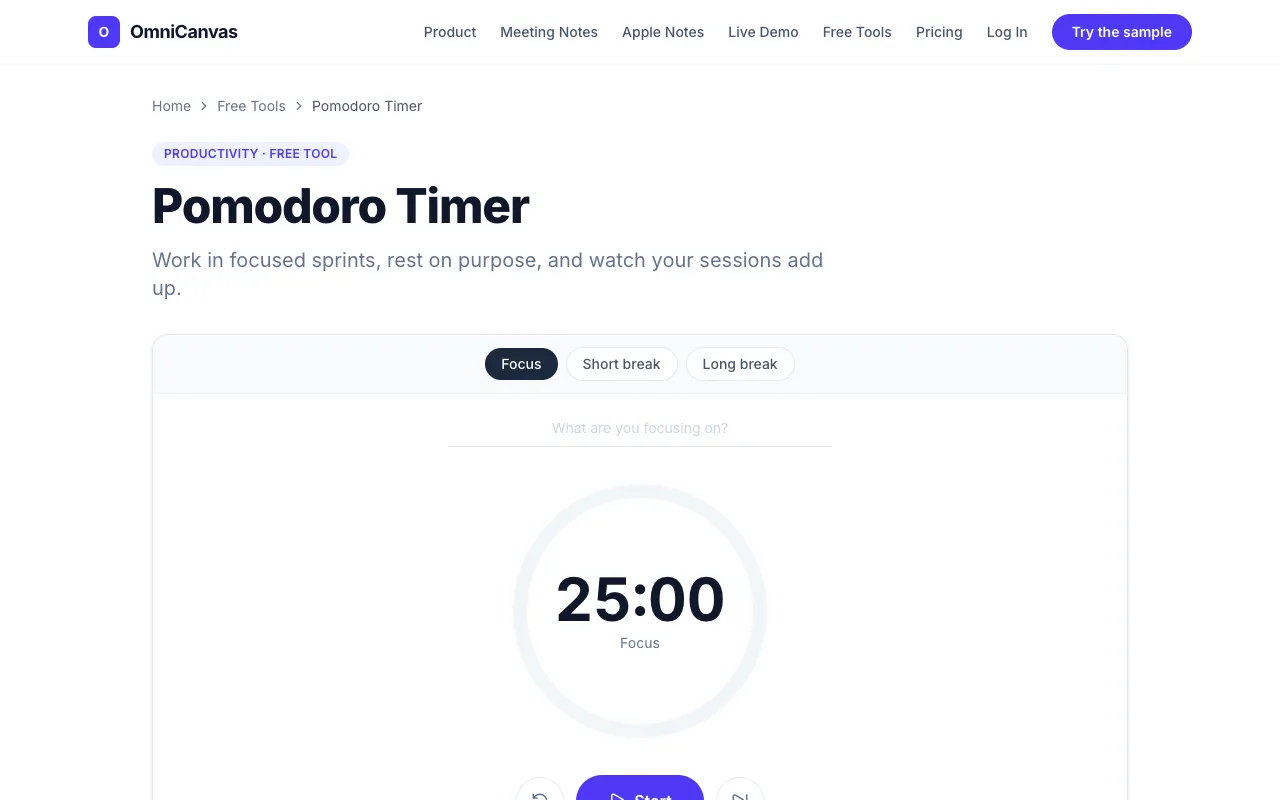
What Pomodoro Timer does
The OmniCanvas Pomodoro Timer is a free, no-signup online focus timer that runs the classic Pomodoro Technique: work in 25-minute intervals followed by 5-minute breaks, with a longer rest after four rounds. Users get a simple countdown clock that tracks completed sessions, providing a concrete measure of focused work rather than vague hours at a desk. The tool stays out of the way in the browser and includes a note about pairing sessions with OmniCanvas’s infinite canvas for capturing ideas that emerge during breaks. Compared to other Pomodoro timers, this version is embedded within a larger productivity suite, offering the option to immediately transition from focused work to idea capture without leaving the page. It emphasizes the technique’s core principles—lowering activation energy and using deadline pressure to stay on task—while giving an honest count of how many true Pomodoros a day actually contains.
How to use the OmniCanvas Pomodoro Timer
- 1
Decide on the specific task you want to focus on before starting the timer
- 2
Set your preferred work and break interval lengths using the timer controls
- 3
Start the timer and work uninterrupted until the work period ends
- 4
Follow the automatic break intervals, using the scheduled rest to reset your mind
- 5
Track the number of completed sessions to measure your daily focused work
Best for
Ideal for people who want a simple, ad-free focus timer that also offers a quick way to capture ideas that arise during breaks, all within a single browser-based tool.
Limitations
- Timer lengths are fixed at default Pomodoro intervals and may require manual adjustment for non-standard work cycles
- No built-in analytics or long-term progress tracking beyond today's session count
- Pairing with the OmniCanvas infinite canvas requires a separate sign-up for full features
Pomodoro Timer FAQ
- Can I customize the work and break interval lengths?
- Yes, the timer allows you to adjust the default 25-minute work and 5-minute break intervals to suit your personal rhythm.
- Do I need to create an account to use the Pomodoro Timer?
- No, the tool runs directly in your browser with no signup required to start timing.
- What happens after I complete four Pomodoro rounds?
- After four completed sessions, the timer schedules a longer break, giving you a sustained rest before you start the next cycle.
- Can I use this timer for tasks other than the Pomodoro Technique?
- Yes, you can set any work and break durations you prefer, making it flexible for various focus or rest schedules.
Similar tools
Based on shared tags