Infinite Canvas App Finder
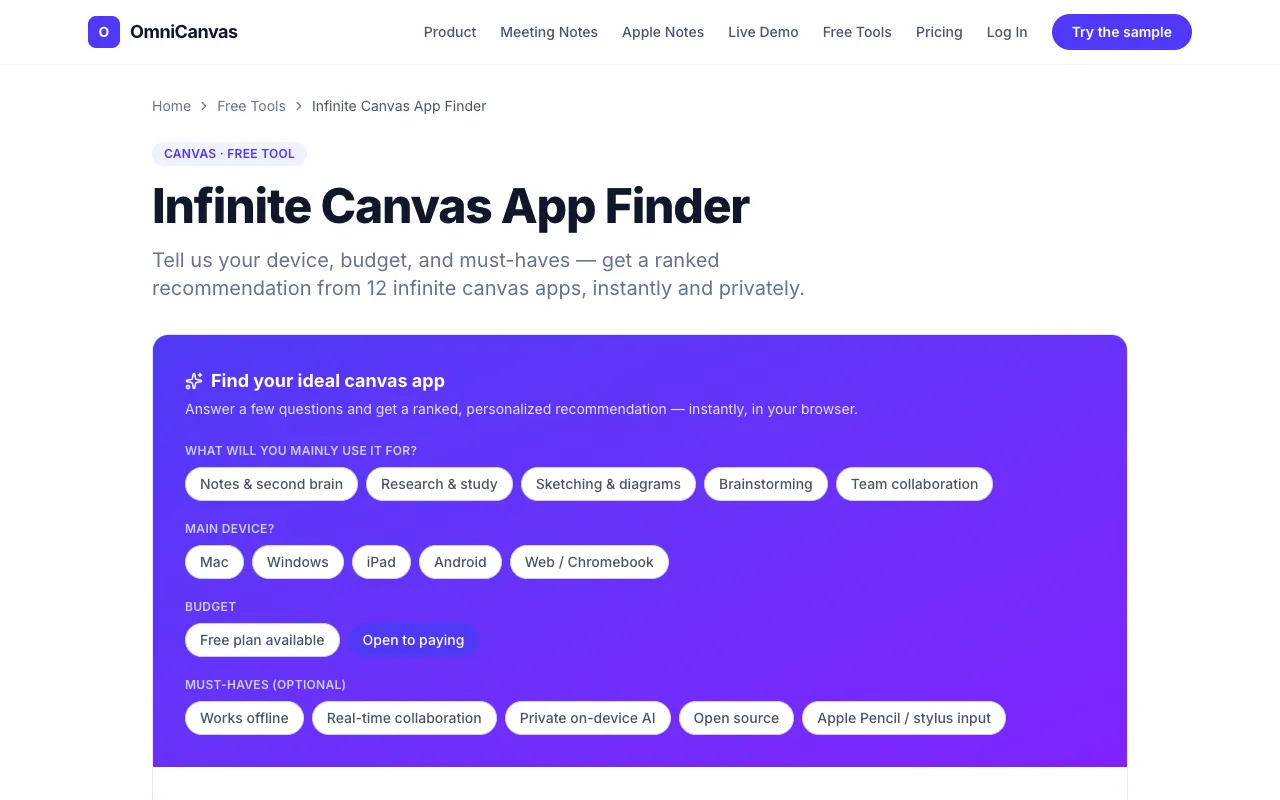
Answer a few questions about how you work and get a ranked recommendation across infinite-canvas and spatial note apps.
What Infinite Canvas App Finder does
The Infinite Canvas App Finder is a decision tool that matches your specific workflow needs to a ranked list of infinite-canvas and spatial note applications. By answering a short set of questions about your primary use case, main device, budget, and required features, you receive a personalized top-three recommendation with a match score. The result includes a full, filterable comparison of all 12 apps in the pool, allowing you to see how each option stacks up against your criteria before committing to a choice.
How to use the OmniCanvas Infinite Canvas App Finder
- 1
Select the primary purpose for using an infinite canvas app (e.g., personal note-taking, design workshops, literature review)
- 2
Choose your main device, such as iPad, desktop, or mobile
- 3
Set your budget range and tick any must-have features like offline access, real-time collaboration, private on-device AI, or open source
- 4
Review the ranked top-three matches with scores and explore the filterable comparison of all 12 apps to confirm the fit
- 5
Start using the recommended app or adjust your answers to refine the ranking
Best for
Solo note-takers, design teams, and researchers who need a tailored match between their workflow and an infinite-canvas tool, especially those who want privacy since all calculations happen locally in the browser.
Limitations
- No unit switching or platform-specific deep-dives beyond the 12 listed apps
- Results depend on the accuracy of the user's self-assessed answers
- The finder focuses on matching features rather than providing hands-on tutorials or pricing plans
Infinite Canvas App Finder FAQ
- Can I trust the ranking if OmniCanvas is included in the comparison?
- Yes — the finder is designed to be honest about OmniCanvas's position; it only rises to the top when your actual needs align with its strengths, and the ranking logic runs entirely in your browser for privacy.
- Do I need to create an account or share data to use the finder?
- No — everything is computed on your device; nothing is uploaded, so you can use the tool privately without signing up or providing an email.
- What if my needs change after I get the initial recommendation?
- You can adjust any of your answers (use case, device, budget, must-haves) and the ranked list will reorder instantly to reflect the new priorities.
- Which apps are included in the comparison beyond OmniCanvas?
- The finder covers 12 major infinite canvas and whiteboard tools: Miro, Apple Freeform, FigJam, tldraw, Excalidraw, Heptabase, Obsidian Canvas, Scrintal, Milanote, Microsoft Whiteboard, and Concepts.