Eisenhower Matrix Maker
Sort your to-dos by urgency and importance into the classic Do / Schedule / Delegate / Delete grid. Autosaves and pri...
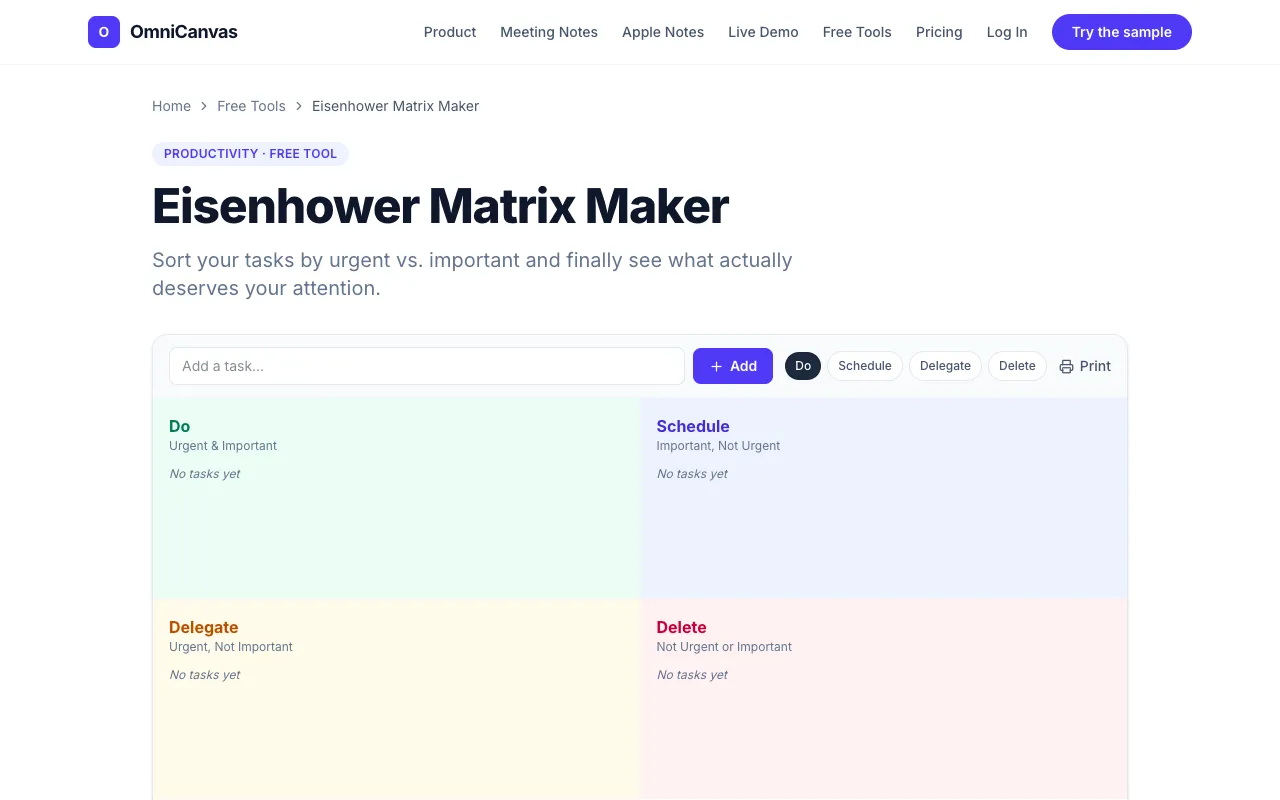
What Eisenhower Matrix Maker does
The Eisenhower Matrix Maker on OmniCanvas helps you sort tasks into the classic four-quadrant grid—Do, Schedule, Delegate, and Delete—based on urgency and importance. You can brain-dump tasks, place them in the appropriate boxes, and the matrix provides a clear visual of where your time should go. The tool autosaves to your browser and prints cleanly, requiring no signup to get started. It functions as a straightforward prioritization framework to help you focus on what truly matters.
How to use the OmniCanvas Eisenhower Matrix Maker
- 1
Open the Eisenhower Matrix Maker on OmniCanvas and brain-dump every task you need to prioritize.
- 2
Place each task into one of the four quadrants: Do (Urgent + Important), Schedule (Important but Not Urgent), Delegate (Urgent but Not Important), or Delete (Neither).
- 3
Be honest about each task's importance, recognizing that urgency is often loud and easy to overrate.
- 4
Once all tasks are placed, work from the top-left quadrant downward, and schedule real calendar time for the top-right quadrant before urgent tasks consume your week.
- 5
Use the autosave feature or print the matrix cleanly for offline reference without needing to create an account.
Best for
This tool suits busy professionals, students, or anyone managing a mixed workload who wants a simple, visual way to distinguish between urgent crises and important long-term projects without account requirements.
Limitations
- Results depend on the user's honest self-assessment of task urgency and importance.
- As a browser-based tool, data is not stored long-term across devices unless manually exported.
- The matrix provides a prioritization framework but does not integrate with external calendar or task management apps.
Eisenhower Matrix Maker FAQ
- Can I use the Eisenhower Matrix Maker without creating an account?
- Yes, the tool requires no signup to start prioritizing tasks; you can add tasks, place them in quadrants, and print or save the matrix directly in your browser.
- How do I decide which quadrant a task belongs in?
- Determine if the task is urgent (requires immediate attention) and important (contributes to your long-term goals or values), then place it in the corresponding Do, Schedule, Delegate, or Delete quadrant based on those two criteria.
- What if a task feels both urgent and important?
- Place it in the 'Do now' quadrant, as these are crises and deadlines that should be handled immediately according to the matrix framework.
- Can I print the completed Eisenhower Matrix?
- Yes, the tool prints cleanly, allowing you to get a physical copy of your prioritized quadrants for offline use or planning.