Brain Dump Organizer
Empty your head into one messy list, then sort it automatically into tasks, ideas, questions and notes. Optional on-d...
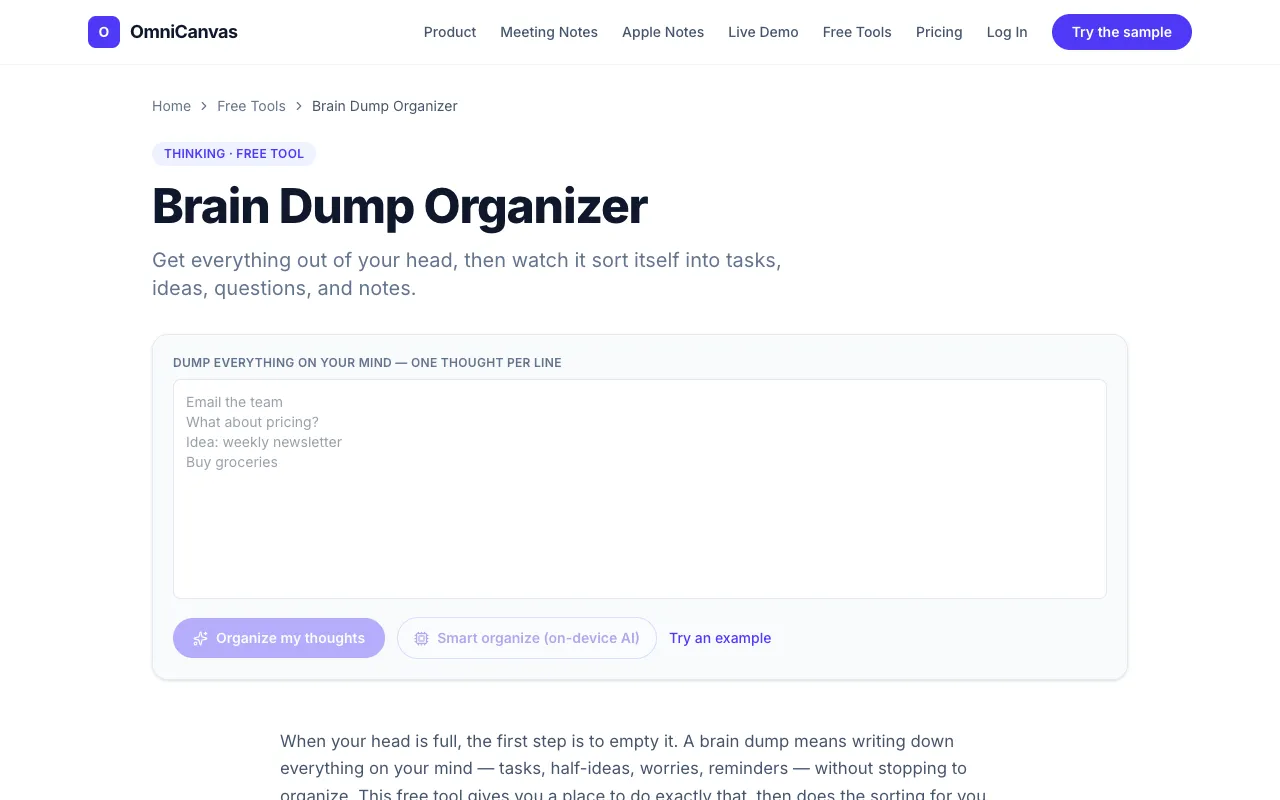
What Brain Dump Organizer does
The Brain Dump Organizer on OmniCanvas provides a free space to empty your mind by accepting one thought per line, then automatically sorting each entry into categories: tasks, ideas, questions, and notes. Once the initial dump is complete, the tool presents a clear, scannable board where the chaos of a raw list is transformed into organized groups, ready for immediate action or development. The interface is designed specifically for this two-step process—first capturing everything without judgment, then instantly separating actionable items from conceptual sparks. Optional on-device AI can perform the categorization, keeping sensitive thoughts private while still offering the sorting benefit.
How to use the OmniCanvas Brain Dump Organizer
- 1
Open the Brain Dump Organizer on OmniCanvas and type or paste one thought per line into the input field.
- 2
Click the Organize button to let the tool read each line and automatically drop it into the appropriate bucket—tasks, ideas, questions, or notes.
- 3
Review the sorted columns; if any item is in the wrong category, you can move it between columns manually.
- 4
Use the resulting organized board to act on tasks, develop ideas, or keep notes as needed.
- 5
Optionally enable on-device AI for private categorization if sensitive content is included in your dump.
Best for
This tool suits anyone who needs to quickly clear mental clutter and instantly separate actionable tasks from ideas and questions, especially users who prefer on-device processing for privacy.
Limitations
- Auto-sorting relies on line patterns; complex or ambiguous entries may end up in the wrong category.
- The tool requires one thought per line; bulk pasting without line breaks may not format correctly.
- Optional AI features depend on device capability and may not be available on all browsers.
Brain Dump Organizer FAQ
- Can I use the Brain Dump Organizer without creating an account?
- Yes, the tool is free to start and does not require a credit card or sign-up to begin organizing thoughts.
- What types of entries does the auto-sorting recognize as tasks?
- Lines that start with a verb or include words like call, email, buy, or finish are automatically categorized as tasks.
- How are questions identified in the sorted output?
- Lines ending in a question mark are placed in the questions column, keeping open queries separate from tasks and ideas.
- Is my data sent to a server for the AI categorization?
- No, the optional on-device AI performs categorization locally, keeping your thoughts private and off external servers.